Happypath™ Companion
The navigation app for people who deliver. Google gets you to the street; Happypath takes over for the last metres: where to park, which entrance, the walking path and whose doorbell to ring.
- Google turn-by-turn navigation, built into the app.
- Today's stops from a photo or PDF, run in order.
- No door info? Ask the recipient with a collection link in your brand.
- Last-metre guidance to the right door: path, photos, floor and doorbell.
- Add doors, parking and obstacles you find, and earn HappyPoints.


One app for the whole route
From the first stop to the last doorbell
Companion is a product of its own for couriers and delivery teams. You don't need any other tool to use it.
Navigation
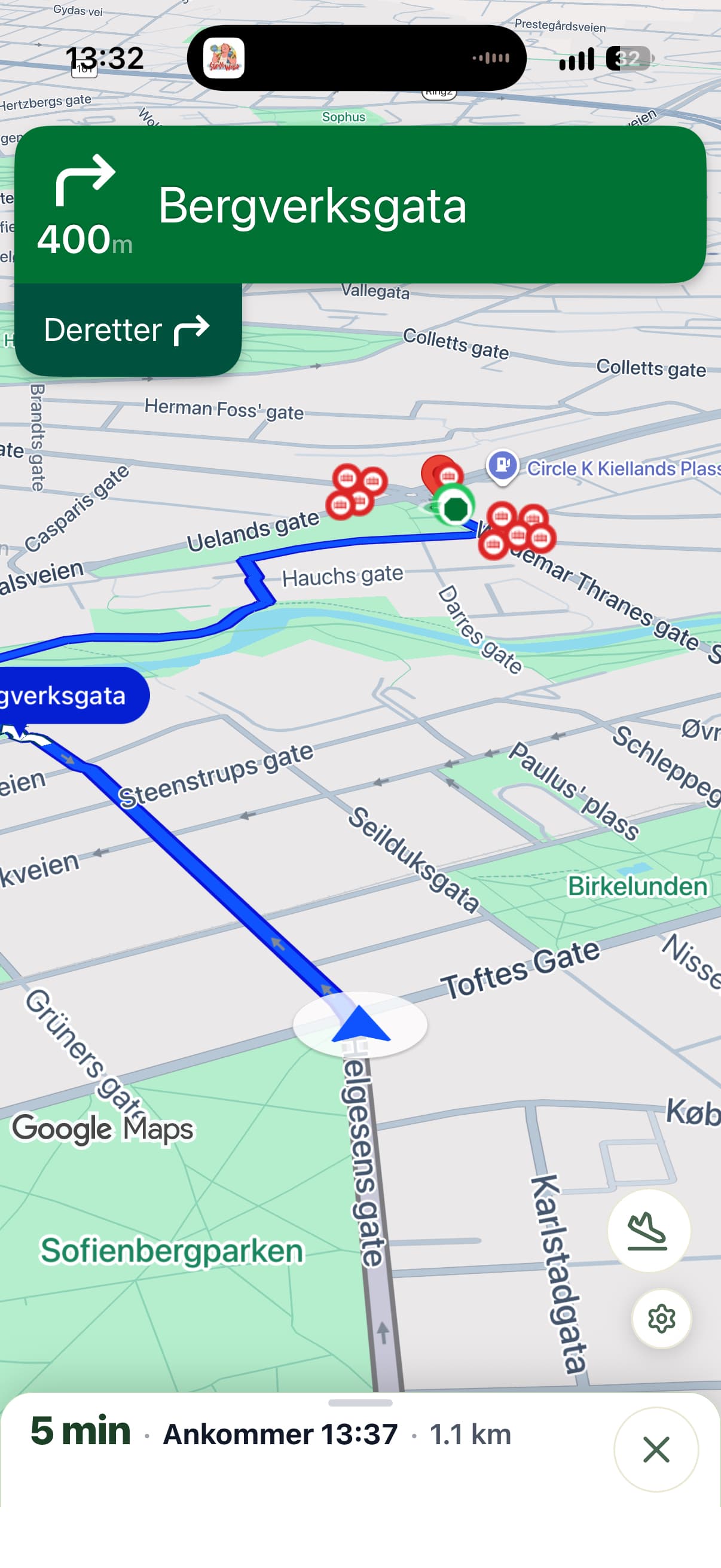
Turn-by-turn by Google, right inside Happypath
Companion runs full in-app navigation on the Google Navigation SDK, so you don't juggle apps on the way. When you get close, it hands over to last-metre guidance on the same screen.
- Voice guidance and traffic-aware routes.
- Avoid tolls, highways or ferries, and choose the fastest or shortest route.
- Rather use Google Maps, Waze or Apple Maps? Pick it once and Companion opens it for the drive.
Last metre
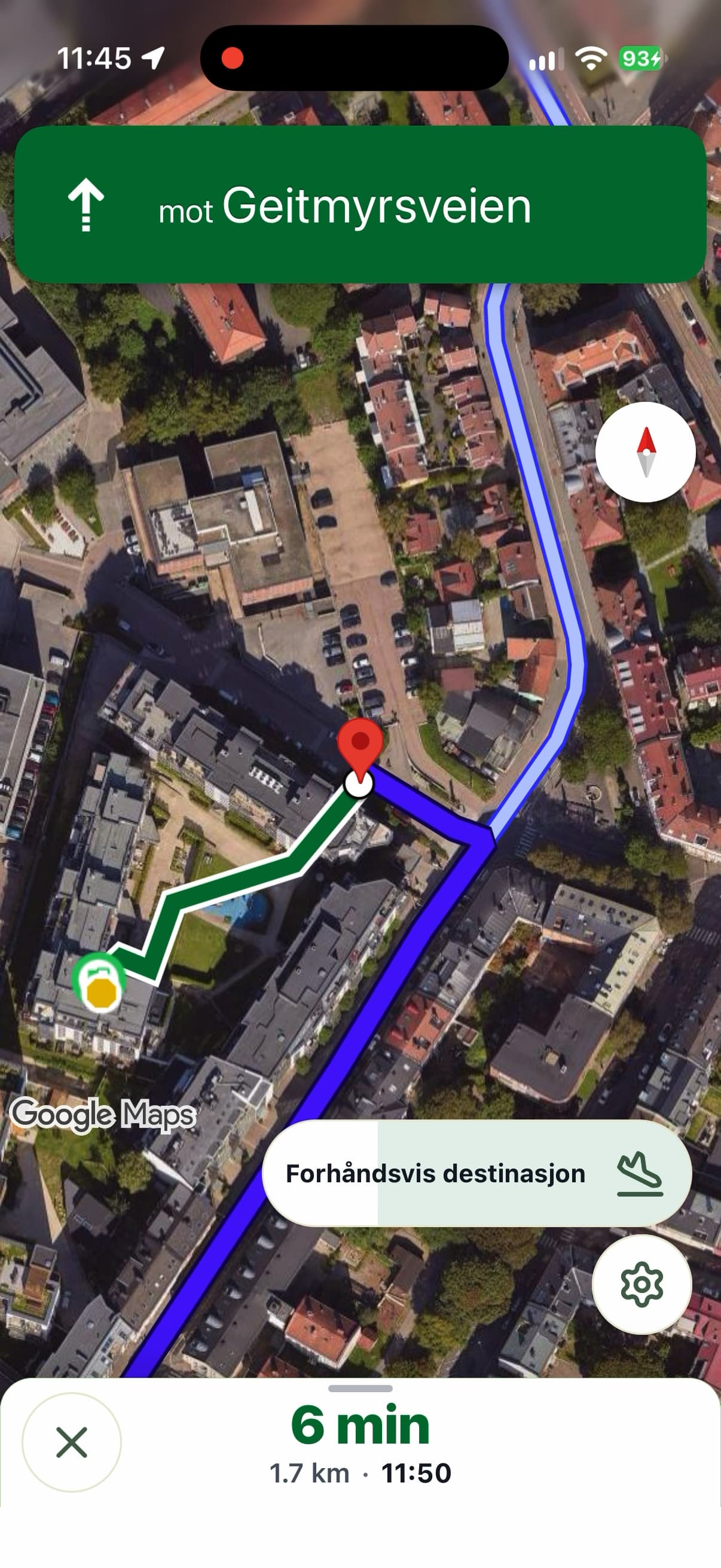
Where the map ends, the green path begins
At the path start, switch to last-metre guidance. Companion shows the walking path to the entrance and the details you would otherwise call the recipient about.
- Door photos, the entrance to use and the door level.
- Floor, name on the doorbell, elevator and reception.
- Stairs, gates and whether a trolley gets through.
- Optional: hear the details read aloud as you switch (experimental).
Stop lists
Your stops, from a photo
Take a photo of a manifest, a screen in your transport system or a parcel label, or import a PDF. Companion reads the stops, matches each one to the address register and shows which already have door information.
- Run the list in order, with stop progress in the navigation bar.
- Call the recipient or send a collection link right from the stop.
- Open a stop from a link with name, phone and address filled in.
- Lists are stored on your phone.
Collection links
Missing the door? Ask the person who knows
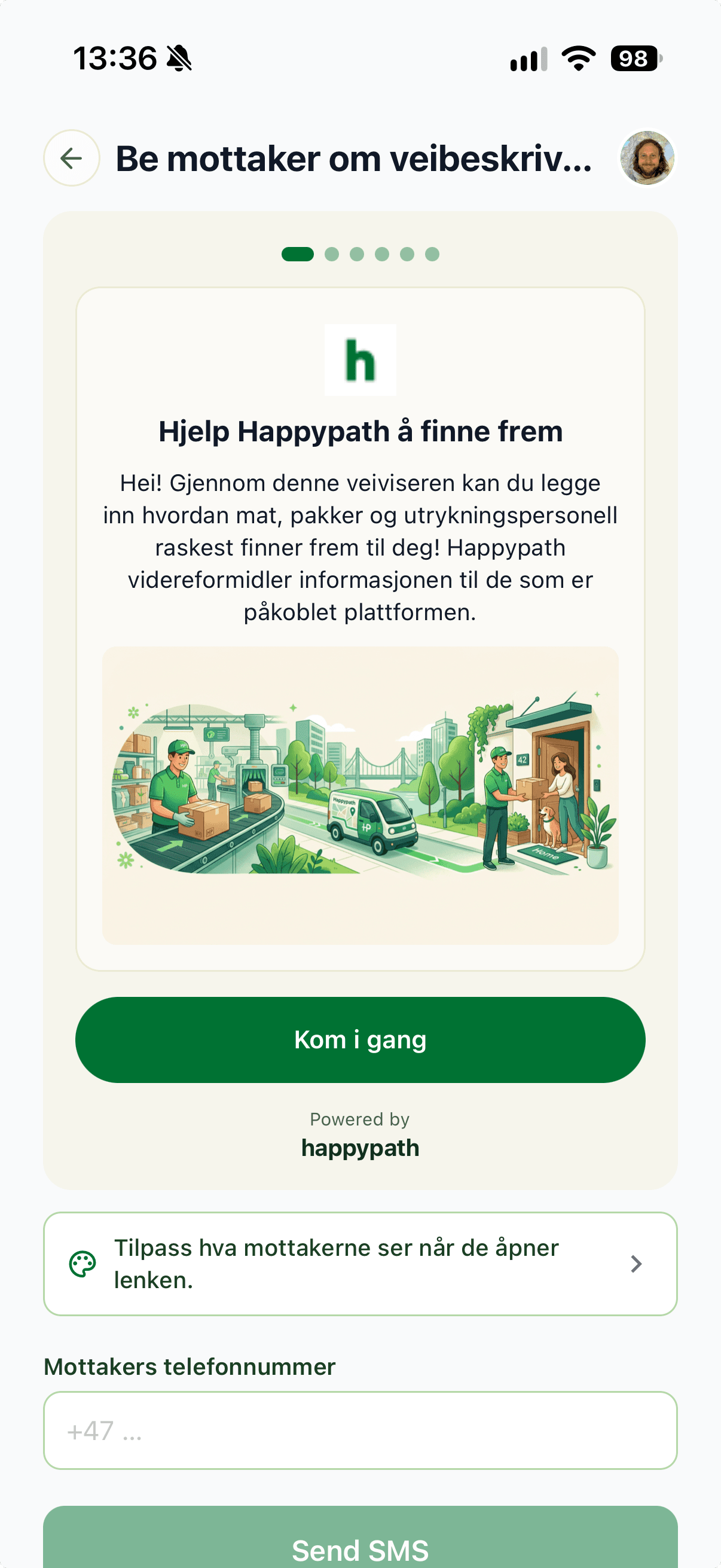
When an address has no door information yet, send the recipient a collection link by SMS or any messaging app. They mark the entrance and the path on their phone; the next time anyone navigates there, it's known.
- Send it from the address, the stop or the navigation drawer.
- Recipients see your company's logo, colours and welcome text.
- No app or login for the recipient.
For companies
Run your team and your brand from the app
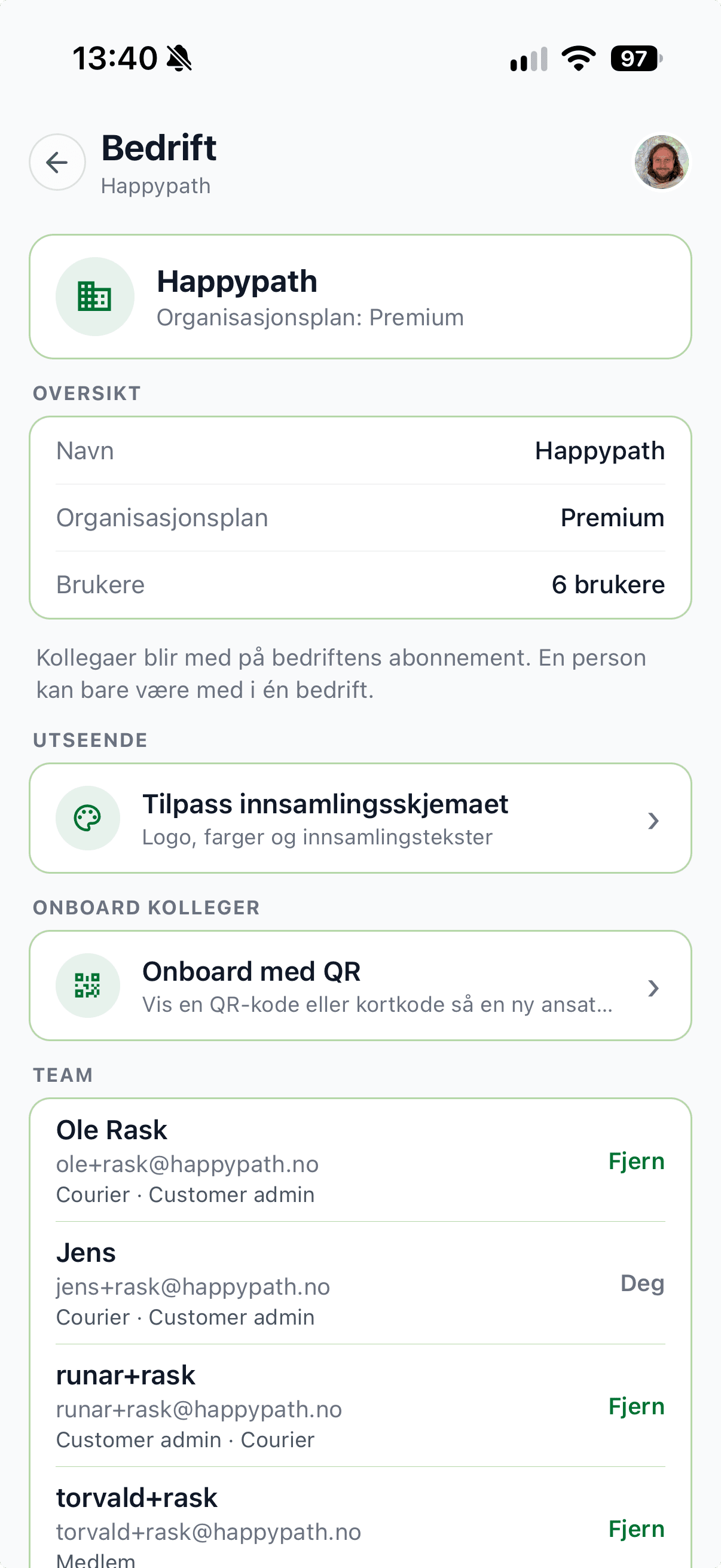
Company admins manage it all under Company in Companion: how your collection links look, your team and your plan.
- Start your branding from your website: pick the logo, intro photo and colours.
- Welcome and thank-you texts in the languages you use, translated for you.
- Onboard drivers with a QR code or a four-character code.
- Test the live collection page before you send it out.
Community
See something missing? Add it
Couriers know the hard stops best. Add a missing door, a better path, a parking spot or a gate, with a photo. Every suggestion is reviewed before it's published.
- Yellow pins show where help is needed.
- HappyPoints and leaderboards for your company, your country and everyone.
- If a suggestion isn't published, you see why.
Plans
The whole app on every plan
Plans differ only in how many addresses you can unlock door-level directions for each day.
Free
0 NOK
Door-level directions for up to 5 addresses a day on this device.
Premium
49 NOK / device / month
Premium for everyone in your company, billed per active device. Invite drivers with a QR code and follow devices in the Partner Portal.
Enterprise
Contact Us
Private data sets, API access and bulk data.
Daily unlocks reset at midnight UTC. Talk to us →
Download Happypath™ Companion
Free on Google Play and the App Store. Join the courier community on WhatsApp for tips and updates.