Happypath™ Collection
Let the people who know the way show it
Collection is a link you send to a recipient, resident or tenant. On their phone they pick their unit, mark the entrance and draw the walking path – in a few minutes, with no app and no login.
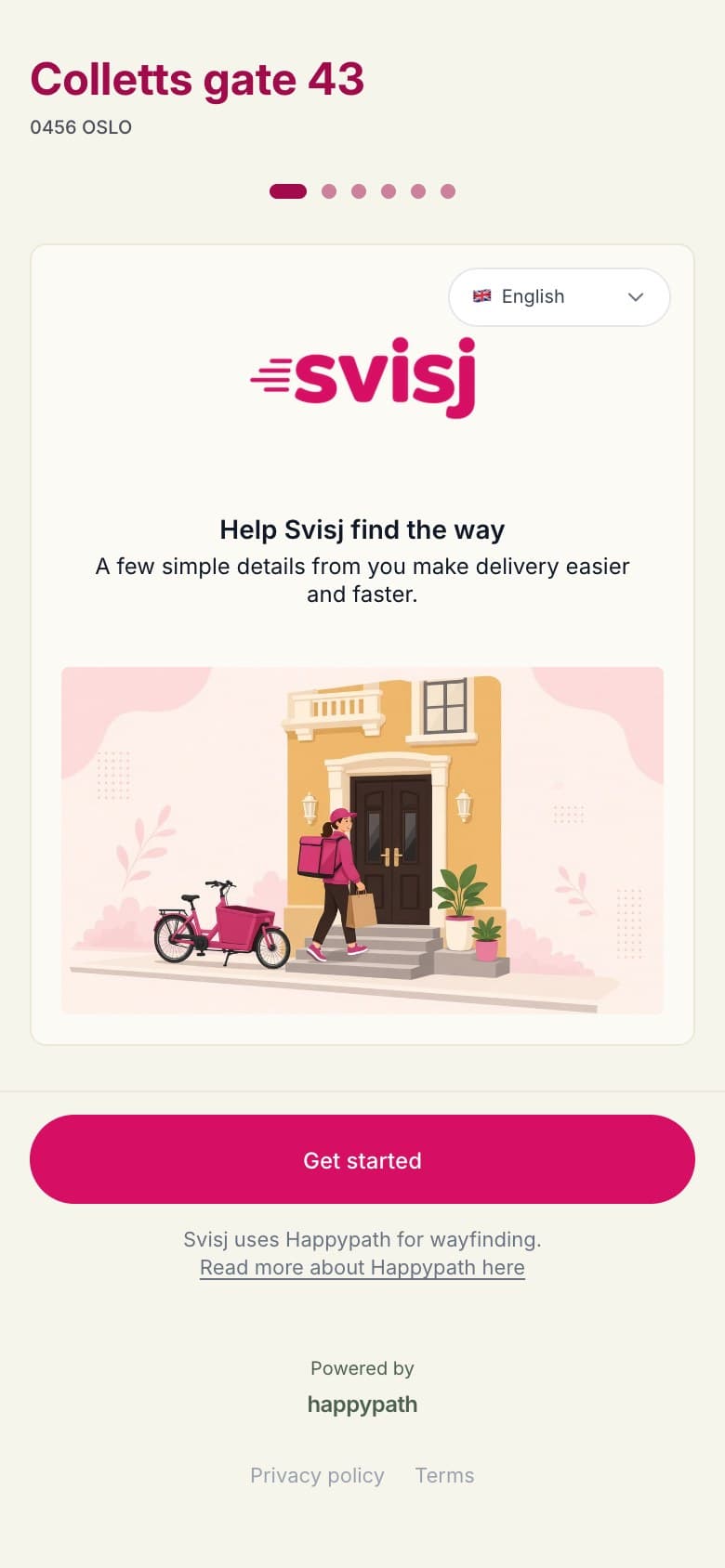
How it works
Six short steps on the recipient's phone
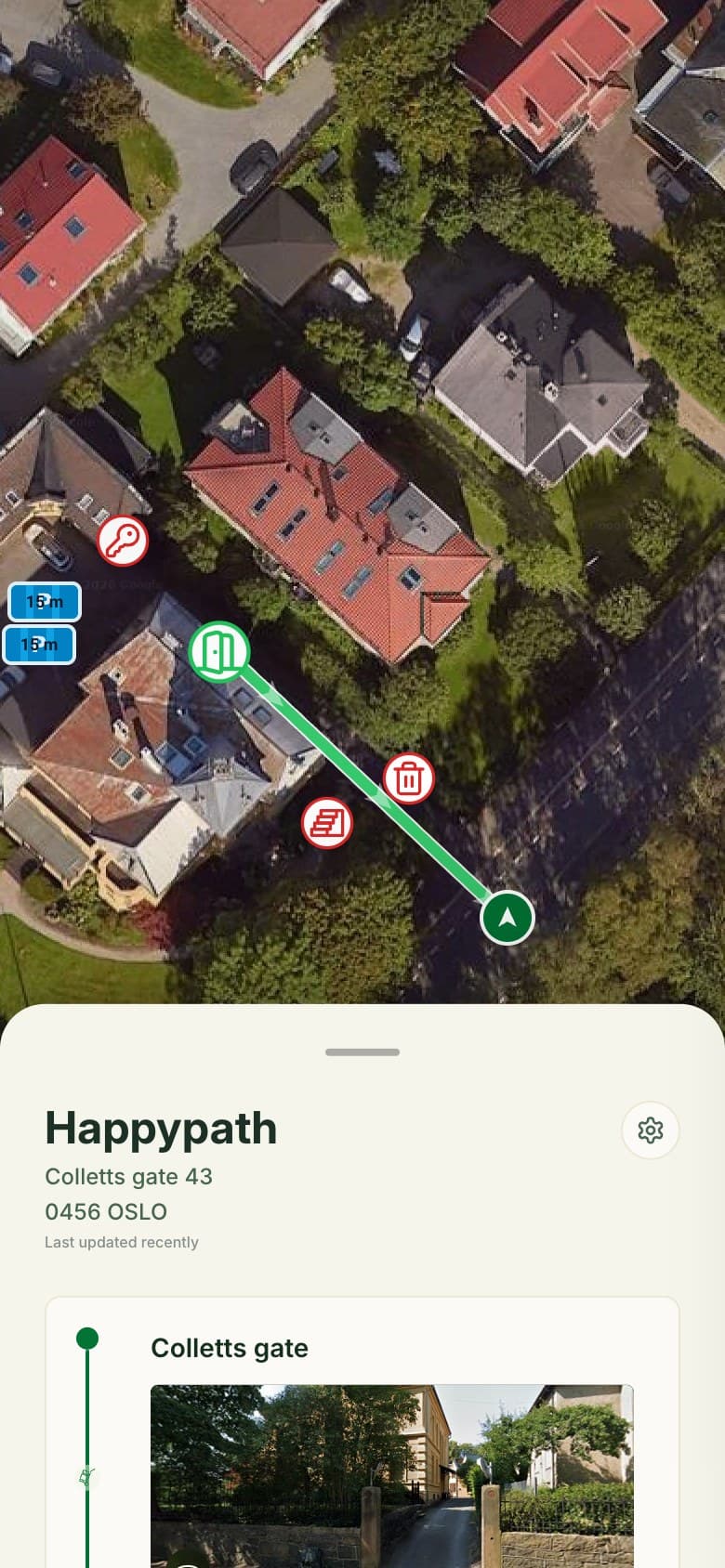
The screenshots are from a real collection link to Happypath's office at Colletts gate 43, branded for Svisj, a made-up delivery company.
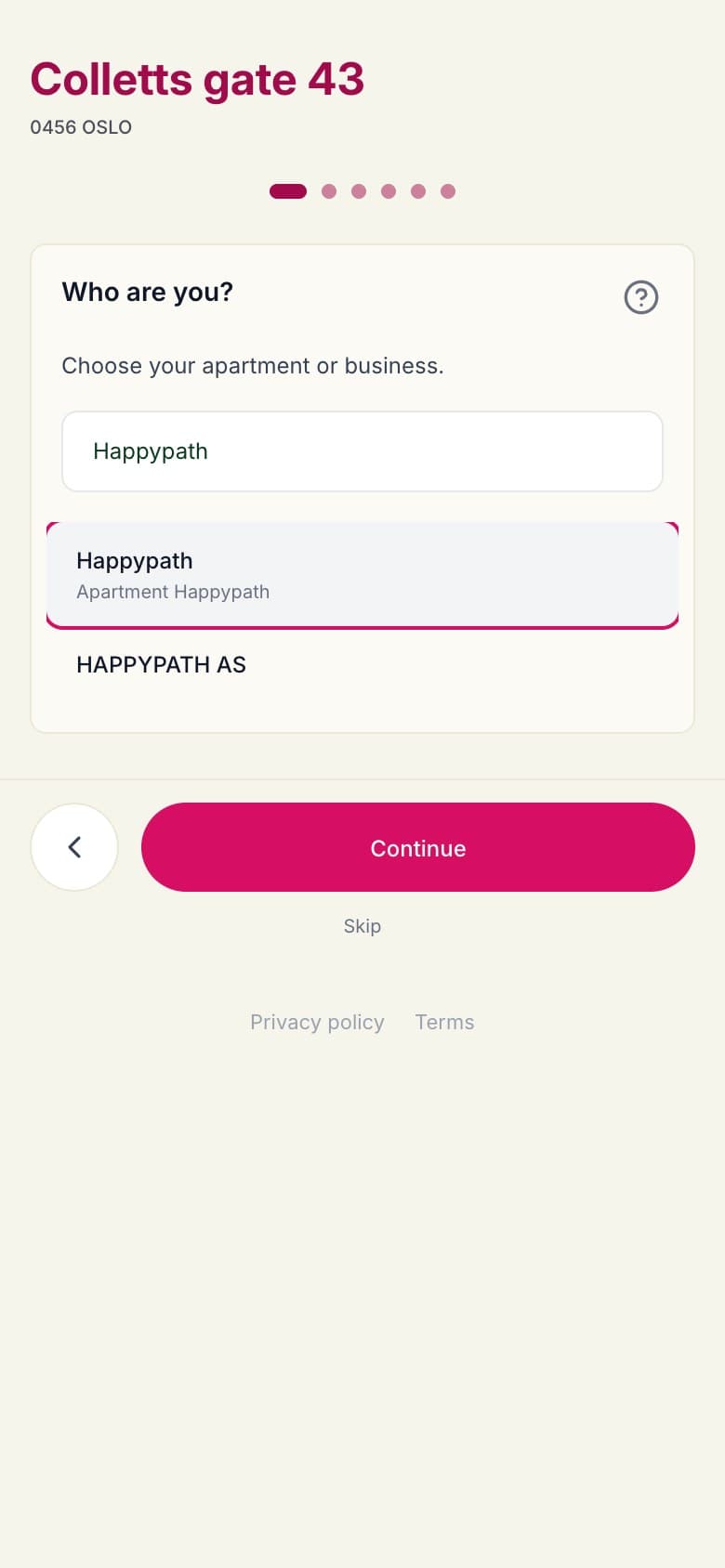 1
1Who are you?
Pick the apartment or business from the register.
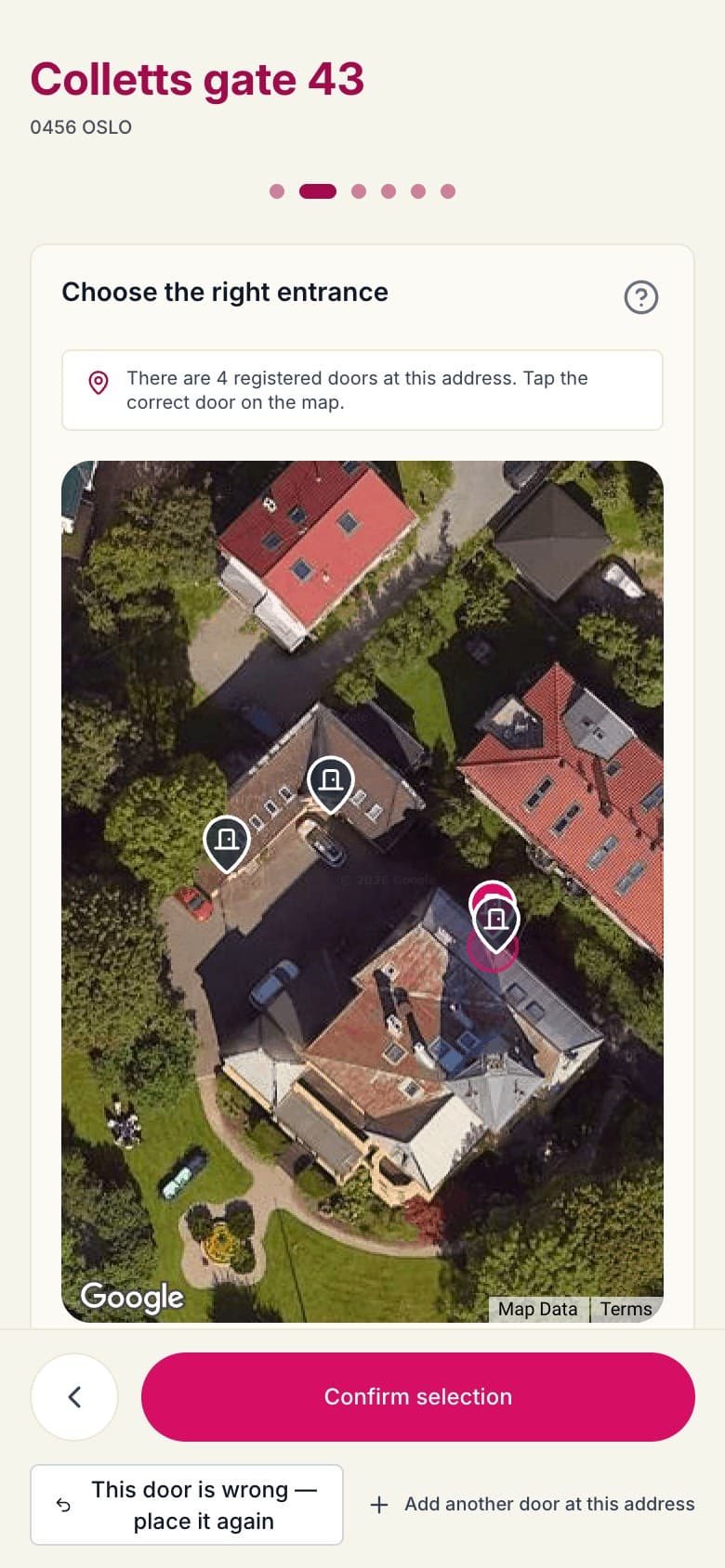 2
2Choose the entrance
Tap a known door on the map, or place a new one.
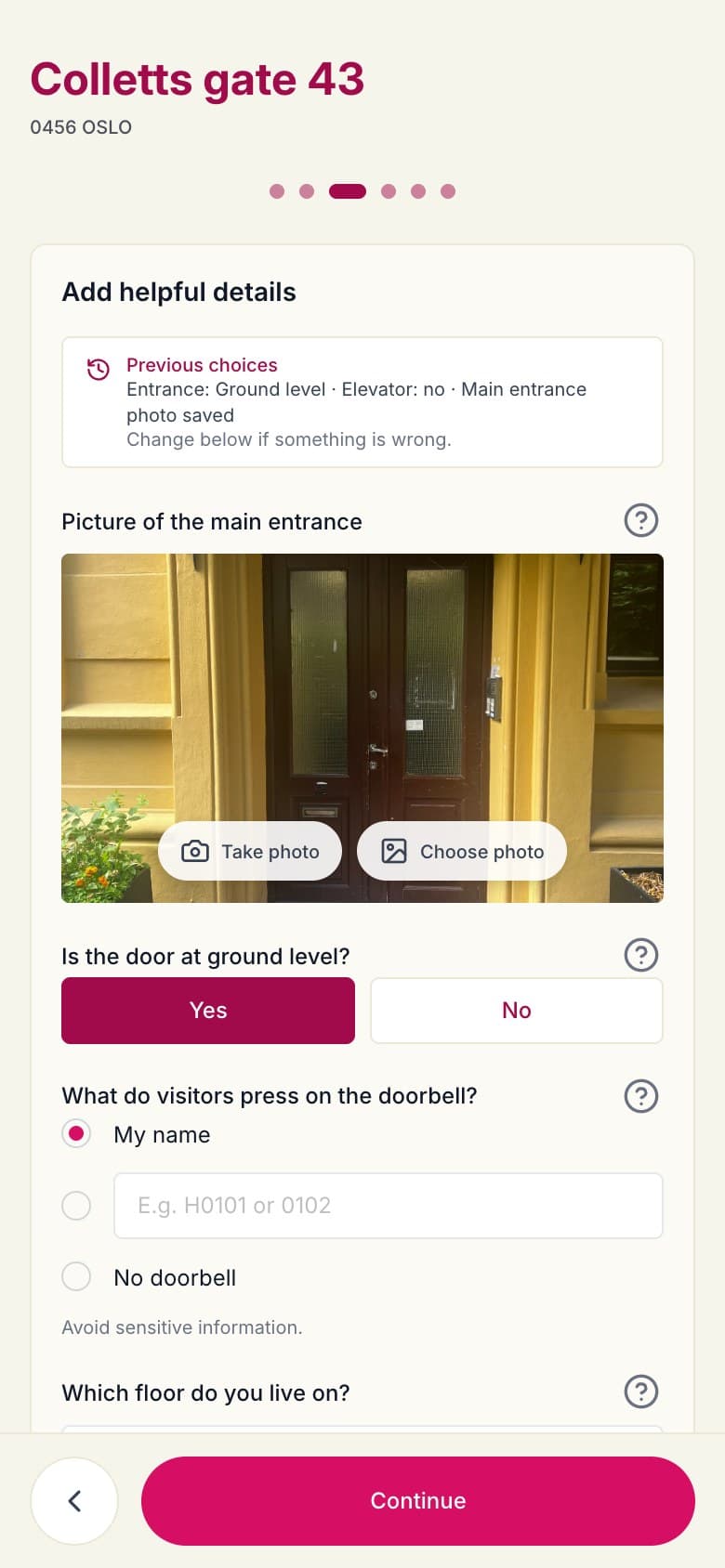 3
3Add details
Door photo, door level, doorbell name, floor and elevator.
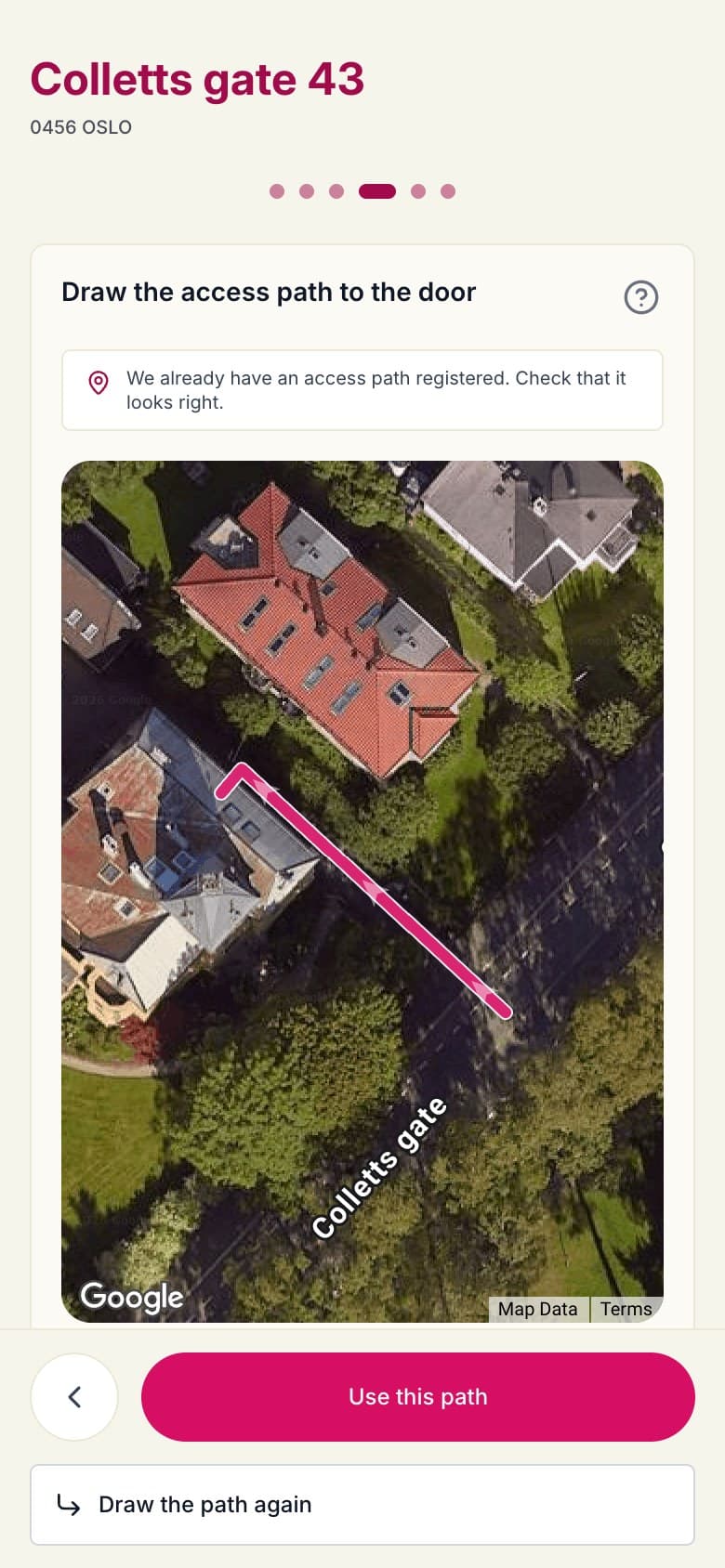 4
4Draw the path
From the road to the door, or confirm the one we have.
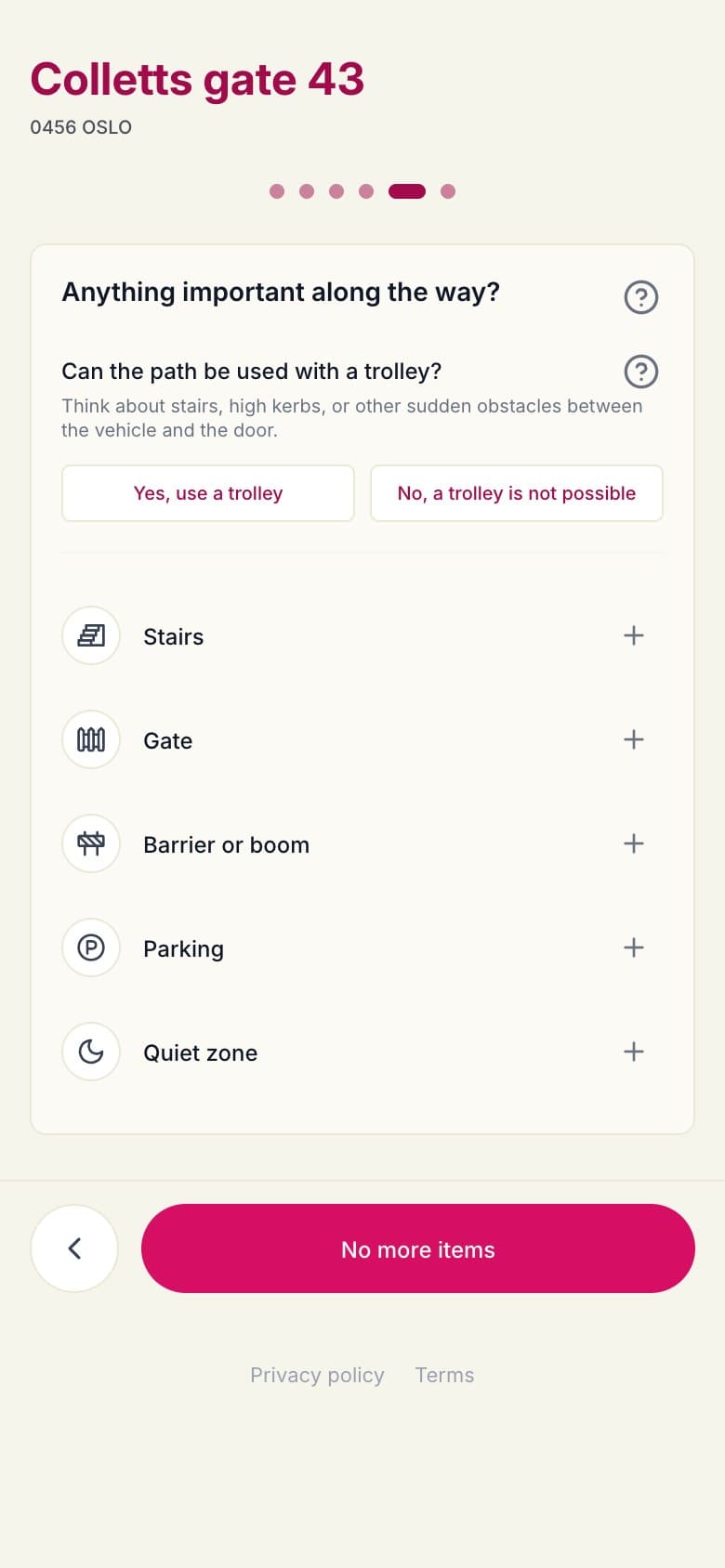 5
5Along the way
Stairs, gates, barriers, parking and quiet zones.
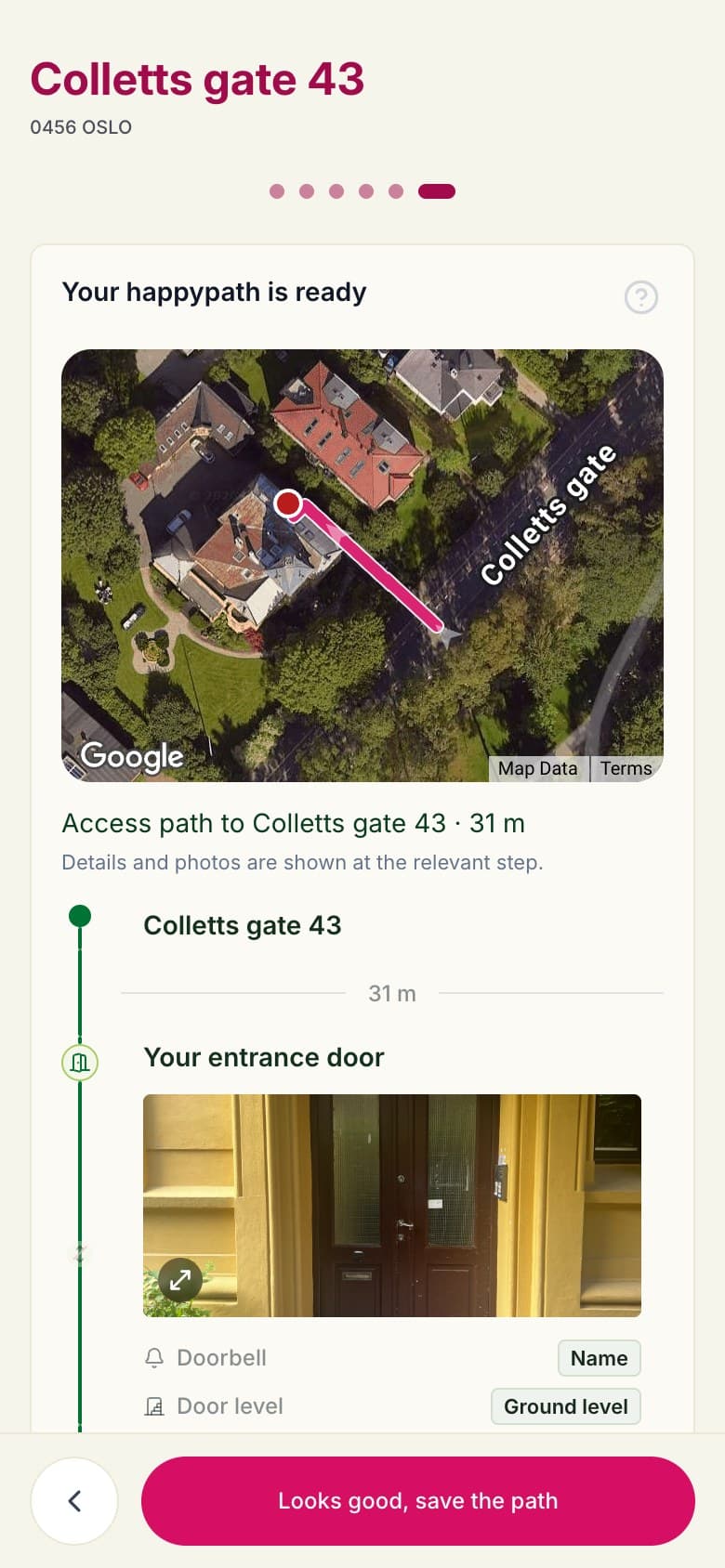 6
6Review
Check the full route before it's saved.
Your brand
Your logo, your colours, your words
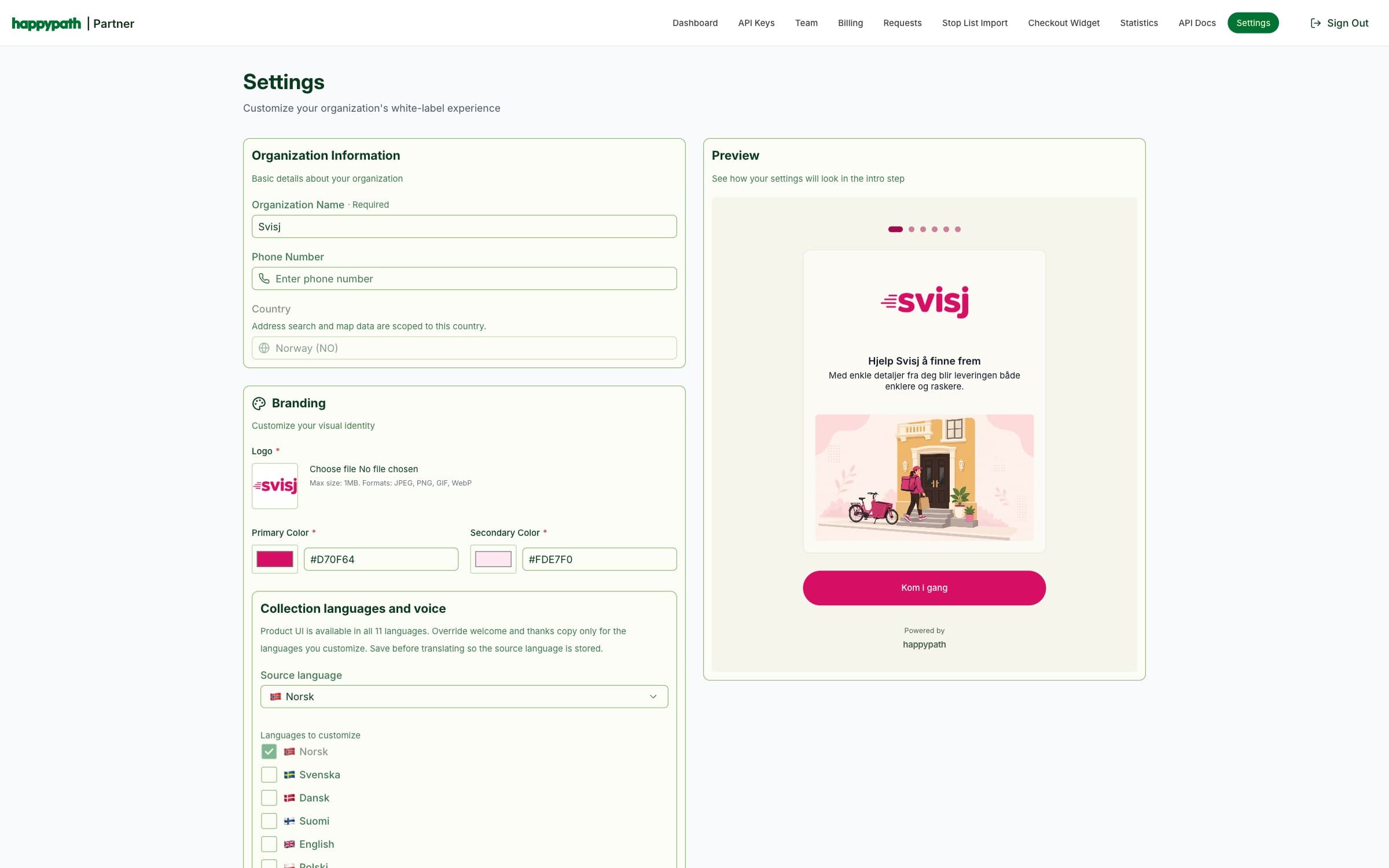
Recipients see your brand, not ours. Set the logo, colours and intro photo, and write the welcome and thank-you texts. Set it up in the Partner Portal or under Company in Companion.
- The flow speaks 11 languages: English, Norwegian, Swedish, Danish, Finnish, Polish, Lithuanian, Romanian, Ukrainian, Turkish and Spanish.
- Your own texts can be translated for you into the languages you choose.
- In Companion you can start from your website: we suggest logos, photos and colours to pick from.
Send it from where you work
One link, many ways to send it
Collection links are created where the need shows up, and everything lands in the same place.
- Companion: from an address or a stop, by SMS or any messaging app.
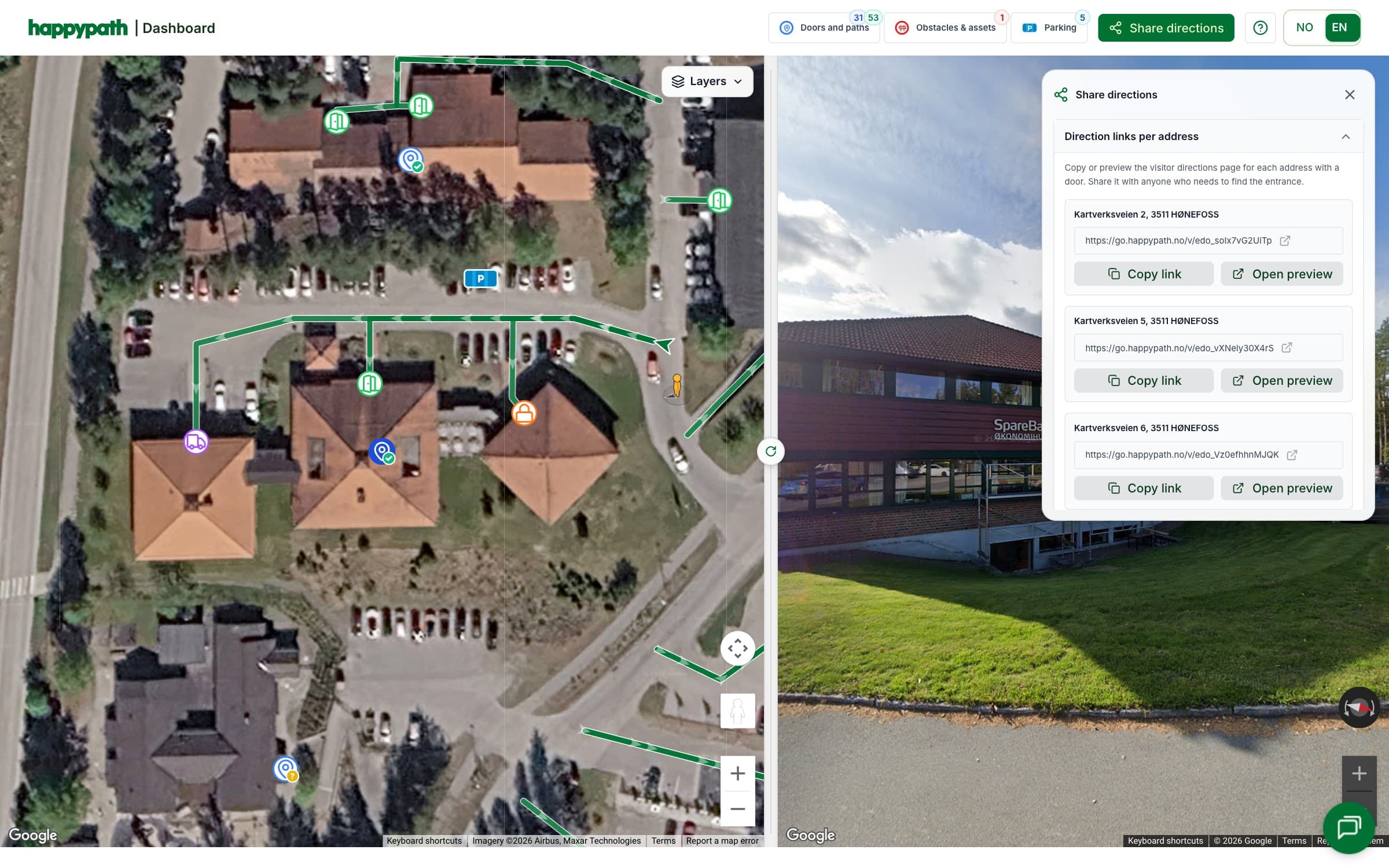
- Dashboard: one link per apartment or tenant in your buildings.
- Checkout: in your web shop, at the moment the order is placed.
- API: create requests from your own systems and share the link in your own SMS, email or app.
What you get back
A directions link anyone can open
When the recipient is done, the door and path are ready for couriers in Companion – and as a public directions link you can put on an order, a booking or a calendar invite.
- Satellite map with the path to the door, step by step.
- Photos, floor and doorbell where they help.
- Opens in any browser – no app needed.
Built for trust
Not a personal register
Collection is about how to reach an entrance. Read what the information is used for.
What Happypath is for →Source and quality on everything
Every door and path carries its source and a quality score, so you know where it came from and how fresh it is.
How scores are set →Recipients can fix it
The same link can be opened again to correct a wrong floor or a moved entrance.
Fill the gaps in your door data
Tell us where information is missing, and we'll set up Collection with your brand.